
How to Choose the Right Monitor for a Compact Workspace
Living in a Malaysian city often means working with limited space. Here’s how to choose a monitor for small desk that fits your work and your everyday life — without making your workspace feel cramped.
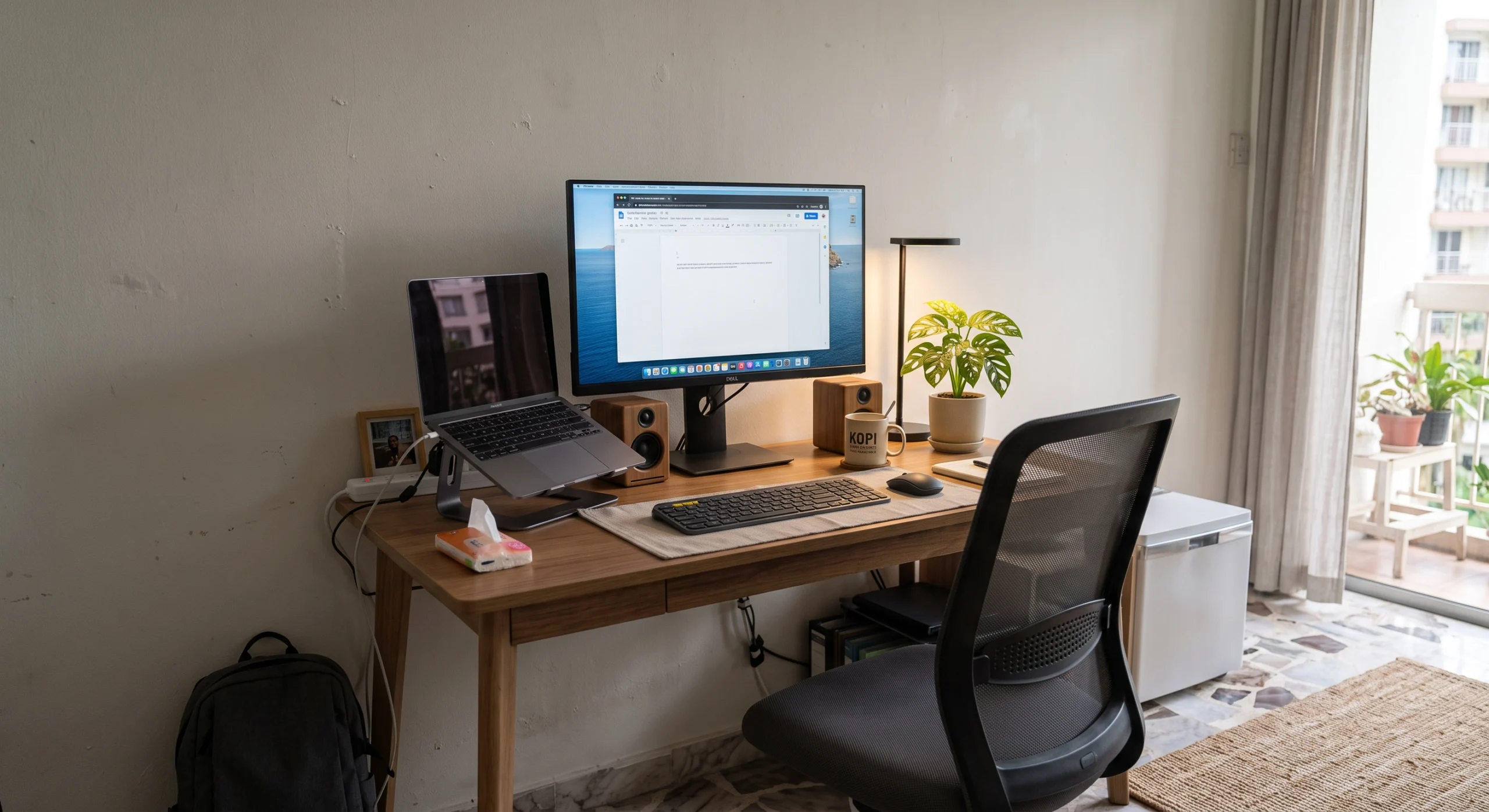
A bigger monitor isn’t always a better monitor.
If you live in Kuala Lumpur, Penang, Johor Bahru, Kota Kinabalu or another busy Malaysian city, chances are your workspace is not exactly huge. Apartments and condominiums often require one desk to do several jobs at once — working, studying, browsing, gaming and sometimes even enjoying a hobby.
That changes the way you should shop for a monitor. Instead of simply asking which screen has the highest resolution or refresh rate, you should first ask whether the monitor actually fits your room, desk and daily workflow.
For a compact workspace, the right monitor is the one that gives you enough screen space while leaving enough room for your keyboard, mouse, laptop, speakers and other essentials.
What should you check first?
For a compact Malaysian workspace, start with physical fit and ergonomics before chasing premium specifications.
Choose the screen size your desk can actually handle.
Screen size is probably the first specification most people look at, but compact workspaces require a slightly different approach.
A 24-inch monitor can be an excellent starting point for a small desk, especially when your main tasks are documents, web browsing, email and general office work. A 27-inch monitor gives you more room for multitasking and can still work very well in many compact setups.
Going much larger can make sense if your desk is deep enough, but don’t buy a 32-inch or ultrawide display simply because it looks impressive in a showroom.
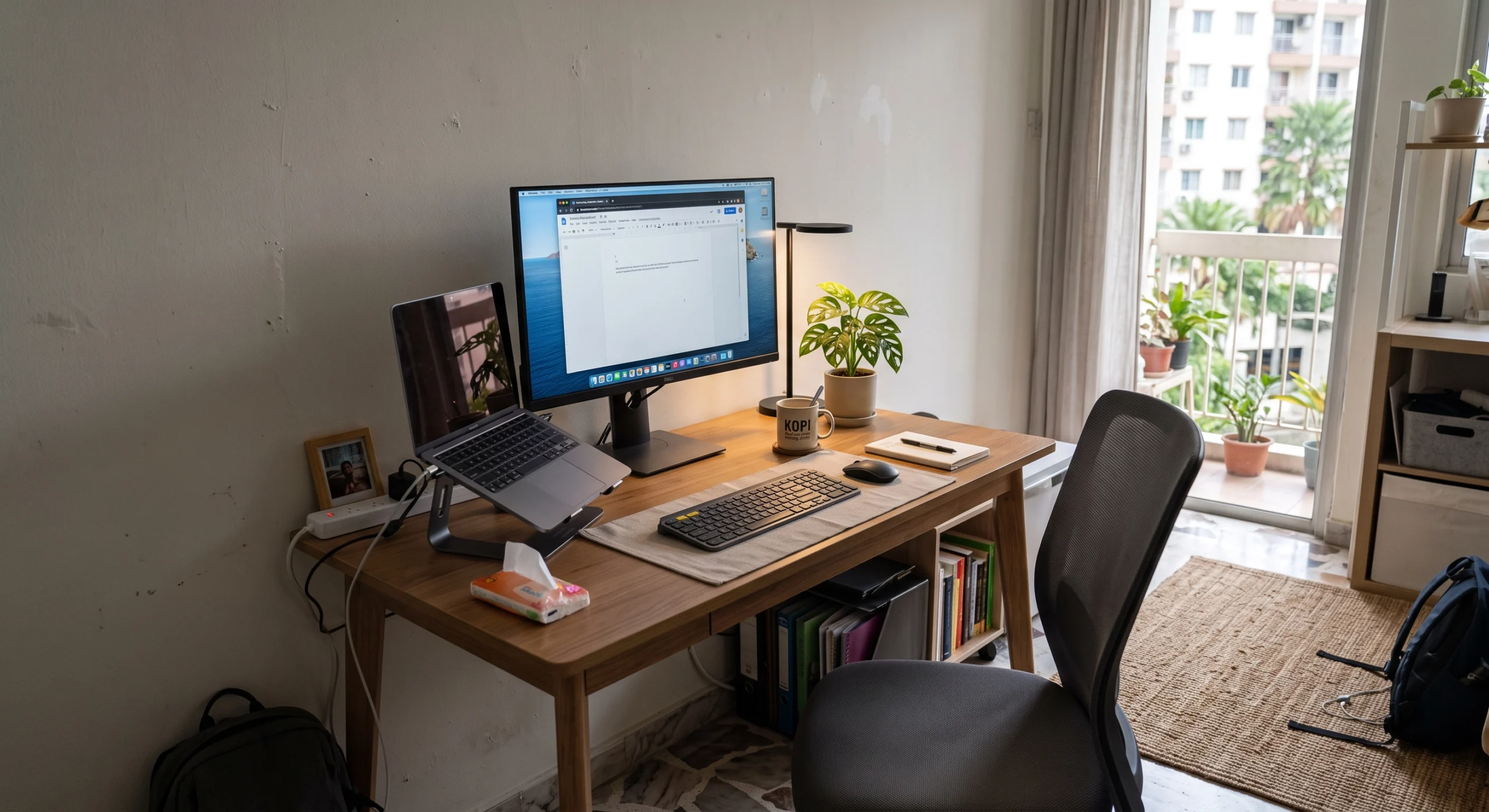
Match resolution to screen size and workload.
Resolution determines how much detail the monitor can display. For everyday work, Full HD can still be a practical choice, particularly on smaller displays.
If you are considering a 27-inch monitor for a compact home office, QHD (2560 × 1440) is worth considering because it gives you more workspace and sharper text than Full HD.
4K can make sense for photo editing, detailed creative work and users who want particularly sharp text. However, remember that higher resolution can also increase the demands on your computer and may require sensible display scaling.
Don’t forget the space between you and the screen.
This is one of the most overlooked parts of buying a monitor for a small desk. You may have enough width for a 27-inch display, but that does not automatically mean your desk has enough depth.
Malaysian occupational safety guidance recommends positioning a monitor directly in front of the user and at approximately arm’s length, with a stated range of 45 cm to 70 cm. The guidance also emphasizes positioning the usable top line of the screen so the neck can remain straight.
On a shallow desk, a large monitor can end up feeling uncomfortably close. This is why measuring desk depth is just as important as measuring width.
A good monitor should fit your body too.
A monitor can have an excellent panel and still be frustrating to use if the stand cannot be adjusted properly.
For a compact workspace where every centimetre matters, look for features such as height adjustment, tilt adjustment and, where useful, VESA compatibility. These features make it easier to position the screen without forcing your neck into an awkward position.
If you spend several hours a day working, studying or editing at your desk, ergonomics should not be treated as an optional premium feature.
Check the ports before you check out.
Connectivity becomes especially important when your desk is small. The right ports can reduce the number of adapters, dongles and cables competing for space around your laptop and monitor.
At minimum, check whether the monitor has the connection your computer actually supports. HDMI and DisplayPort are common choices for desktop PCs, while USB-C can be particularly useful for compatible laptops because some monitors can combine display, data and power delivery through a single connection.
Don’t pay extra for ports you will never use. Instead, think about your current laptop, desktop, tablet or other devices and choose connectivity that makes your actual setup simpler.
Which monitor makes sense for your compact setup?
Use your actual workload rather than marketing numbers to narrow down your choices.
24″ Full HD
A practical option for documents, web browsing, email, online learning and general productivity.
27″ QHD
A strong balance for multitasking, productivity, media and a more spacious compact workspace.
27″–32″ 4K
Worth considering for detailed creative work, photo editing and users who prioritize screen clarity.
Think about your actual home.
A monitor that looks perfect online may not be the best choice once it reaches your apartment or condo. Before buying, measure the desk, check the depth, consider where the power socket is located and think about what else needs to share the same workspace.
Also compare local pricing, warranty coverage, authorised sellers and the availability of the exact model in Malaysia. A slightly less impressive specification can be the better purchase if it fits your space and is easier to support locally.
The best monitor is the one that fits your life.
Choosing a monitor for a compact workspace is less about buying the biggest or most powerful display and more about finding the right balance between screen size, resolution, desk depth, ergonomics and connectivity.
For many Malaysians living in apartments and condos, a carefully chosen 24-inch or 27-inch monitor can provide plenty of working space without overwhelming a small desk. Once your basic needs are covered, spend the rest of your budget where it actually improves your daily experience.
Compact monitor setup questions
Not necessarily. A 27-inch monitor can work very well on a compact desk if the desk has enough depth and the viewing distance is comfortable. The physical size of the stand is also worth checking before purchase.
For many 27-inch productivity setups, QHD 1440p can be a useful middle ground between Full HD and 4K, providing more workspace and sharper detail without necessarily requiring a high-end system.
A monitor arm can be useful when desk space is limited because it can reduce the footprint of the original stand and provide more flexibility in positioning. Check VESA compatibility and make sure your desk can safely support the mounting system.