
USB vs XLR Microphone: Which Is Better?
Choosing between a USB and XLR microphone is one of the first decisions many beginners face when building a home studio. Both can produce excellent recordings, but they are designed for different workflows.
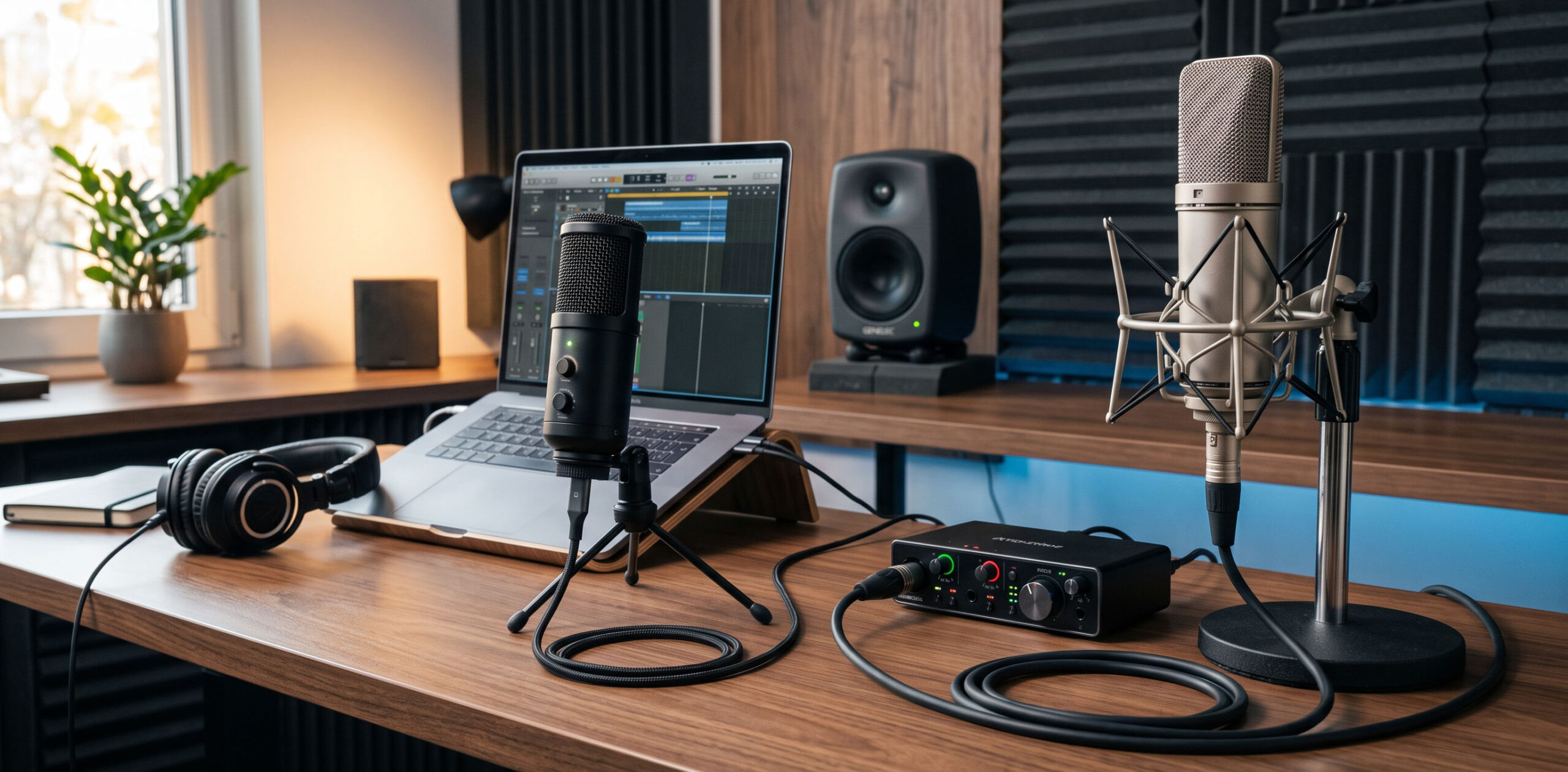
The right choice depends on your budget, existing equipment, recording goals and how much flexibility you want from your setup. For some creators, USB is the easiest way to start. For others, XLR provides a better foundation for a growing studio.
USB vs XLR at a Glance
USB Microphone
Connect directly to your computer. No separate audio interface is required, making USB microphones convenient for beginners, podcasting, streaming and compact workspaces.
XLR Microphone
Connects through an audio interface or mixer. This adds equipment, but gives you more flexibility when adding microphones, instruments, headphones and studio monitors.
What Is a USB Microphone?
A USB microphone connects directly to a computer using a USB cable. The microphone contains its own analogue-to-digital converter and usually includes a headphone output for monitoring.
This makes USB microphones extremely convenient for beginners. There is no need to purchase a separate audio interface, and setup is generally as simple as connecting the microphone and selecting it in your recording software.
USB microphones are particularly useful for podcasting, voiceovers, online meetings, streaming and basic music recording. They are also practical for people working with limited desk space because fewer pieces of equipment are required.
What Is an XLR Microphone?
An XLR microphone uses a three-pin XLR connection and normally requires an audio interface or mixer to connect to a computer. Unlike a USB microphone, the analogue-to-digital conversion happens inside the audio interface.
This additional equipment provides more flexibility. An audio interface can accommodate different microphones, headphones, instruments and studio monitors, making it a better foundation for a growing home studio.
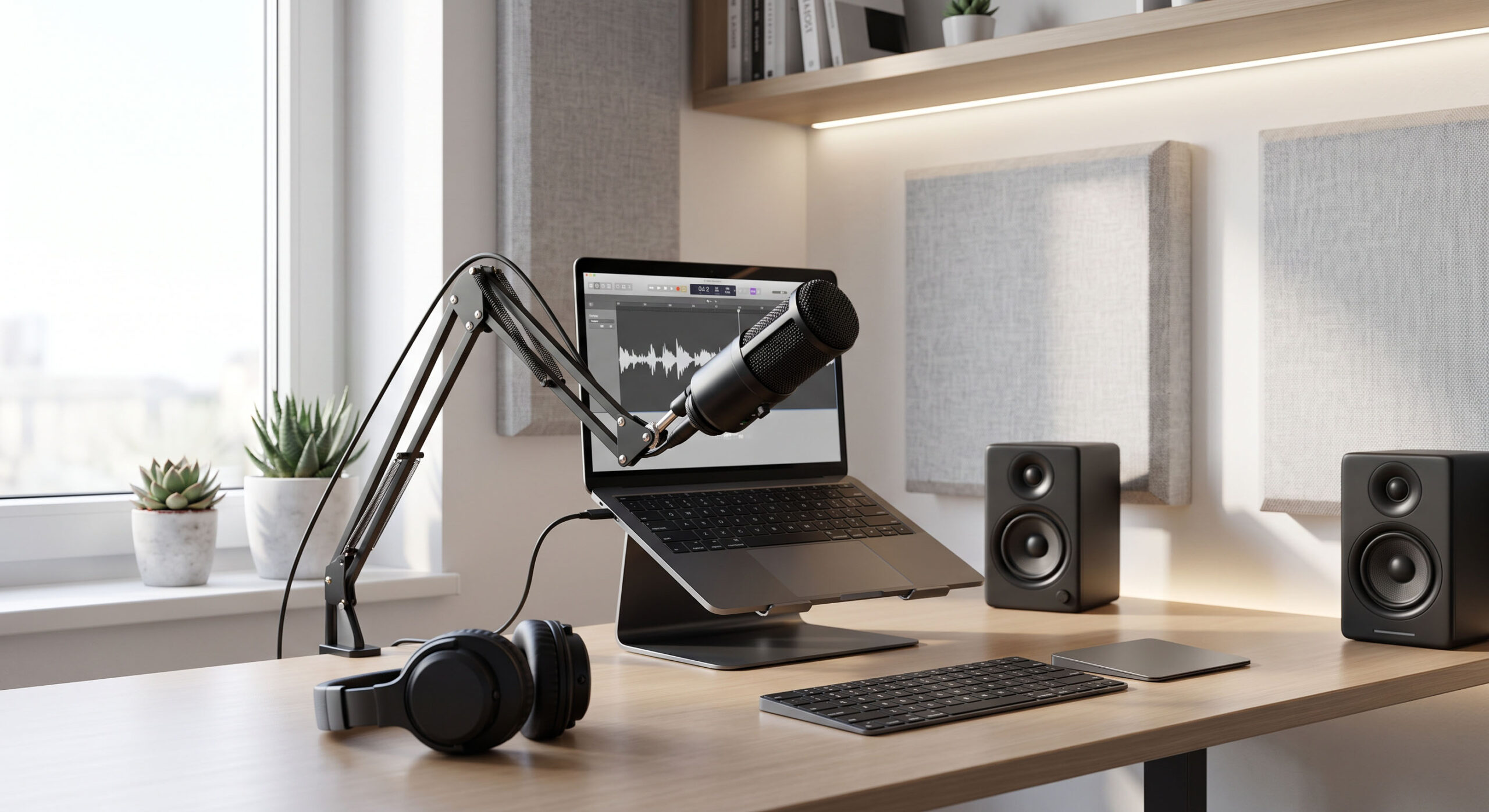
XLR gives your setup room to grow.
A simple XLR microphone and entry-level audio interface can become the central connection point for vocals, guitar, headphones and studio monitors as your setup develops.
USB vs XLR: Which One Sounds Better?
There is no simple answer that says XLR microphones always sound better. Microphone quality, room acoustics, microphone placement, preamp quality and recording technique all have a major influence on the final result.
A good USB microphone can produce very clean recordings, while a budget XLR microphone connected to a basic interface may not automatically sound better.
However, XLR has an important advantage when you want to upgrade your system gradually. You can replace the microphone or audio interface independently instead of replacing an entire USB microphone.
Which Should You Choose?
Choose USB if…
You want simplicity, portability and minimal equipment. USB is particularly suitable for podcasting, streaming, online content, voiceovers and casual recording.
Choose XLR if…
You are planning a more capable home studio and want the flexibility to add microphones, instruments, headphones and studio monitors later.
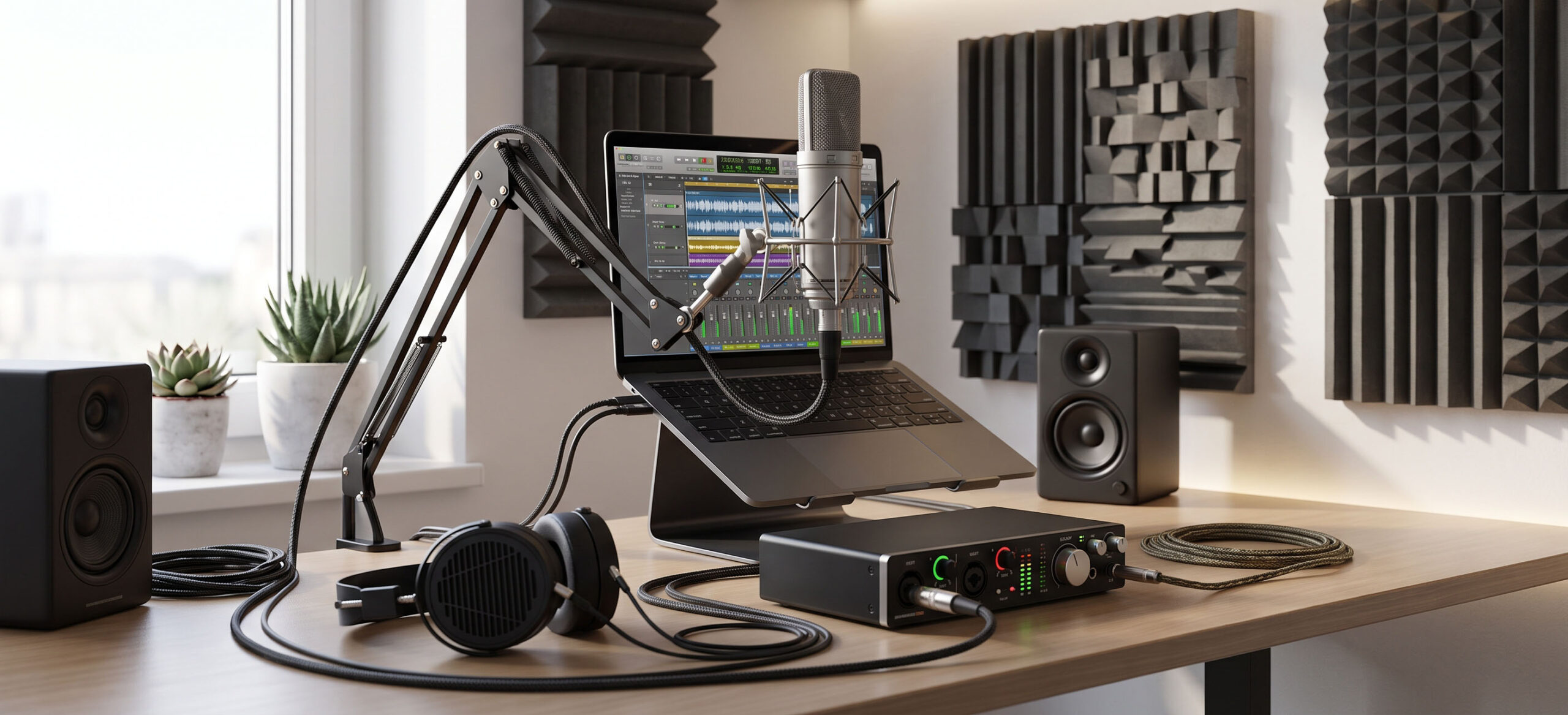
For a growing home studio, XLR gets the edge.
If convenience is your main concern, USB is hard to beat. But if flexibility and future expansion matter more, XLR provides a stronger foundation. The additional audio interface takes slightly more planning at the beginning, but becomes useful as your setup grows.
The Bottom Line
Neither USB nor XLR is automatically the better microphone format. The best choice depends on how you plan to use your setup.
USB is excellent when you want to keep things simple and compact, while XLR makes more sense when you see your home studio as something you will continue to develop.
For a compact home studio, XLR is a strong choice because the same audio interface can become the central connection point for microphones, instruments, headphones and studio monitors.